Direct-to-Film Printer
What is it?
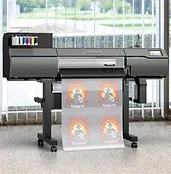
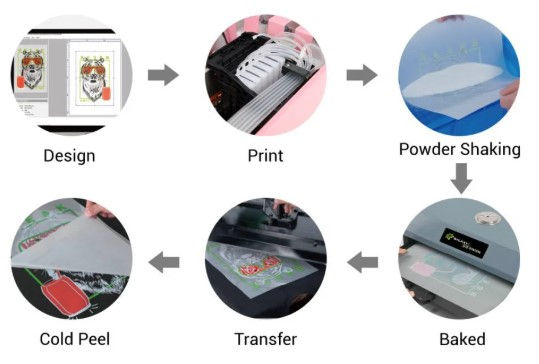
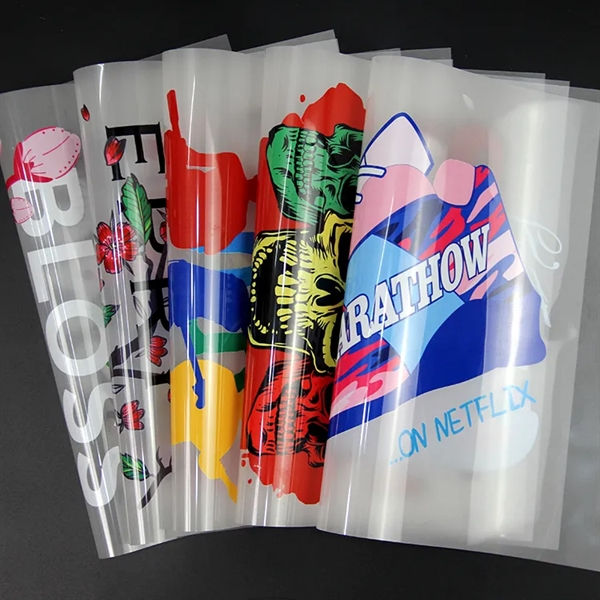
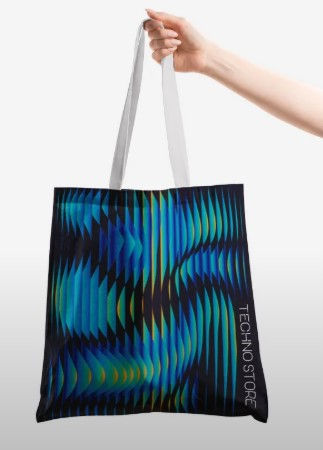
The Roland TY-300 prints colorful, detailed designs onto transfer film so they can be heat-pressed onto T-shirts, hoodies, bags, and other fabric items. It's designed for fast production, vibrant colors, and durable prints on a wide variety of materials, including cotton, polyester, blends, denim, and nylon.
How do you use it?
-
Prepare an object to print using one of the following methods
-
Find, download, and save an already-made image file (please make sure the image isn't under copyright or trademark).
-
Design your own image using Canva, Adobe Illustrator, or another program.
-
Save your file to a flash drive, email the file to yourself, or save it to your Google Drive.
-
-
Visit Ms. Tisher in the media center with your file to prepare it for printing using Roland's VersaWorks Dual RIP software. Check the dimensions of your design before it prints. All jobs must be paid for in advance and are non-refundable once they've been printed.
What is the largest object the UV printer can print?
-
16" x 20" (so it can fit in the heat press)
How much does it cost?
-
The cost to use this machine is $1 per linear inch of film plus the cost of ink at $2.00 per cc. You will need to supply your own material to apply the print to.
How long does it take?
-
Prints usually take a few minutes to print, depending on the sizes of the objects. Objects will be printed on a first-come, first-served basis. However, objects that are school-related will be printed before objects that are not for school.
Sample Projects
Guides and Tutorials